Google Maps and Lets2Go can both help you plan a trip, but they are not the same kind of product. Official Google pages, rechecked on November 17, 2026, say that Ask Maps — the assistant with artificial intelligence inside Google Maps — can now build a day-by-day itinerary, with numbered pins on the map, real-time details about each stop, and an export to Google Docs on desktop. Lets2Go is a free AI trip planner that builds an editable day-by-day itinerary, shaped by your budget, pace and interests, with bookable experiences and a 3D Travel Movie preview, on the web and in iOS and Android apps.
This page is for people comparing Lets2Go vs Google Maps, looking up the Google Maps trip planner, the Ask Maps itinerary, or an alternative for trip planning. The wider comparison of AI trip planners stays in our best AI trip planner guide.
Choose the tool that matches the job: a map that builds a route you can follow in real time, or an AI-generated itinerary you can edit, budget for, and book from.

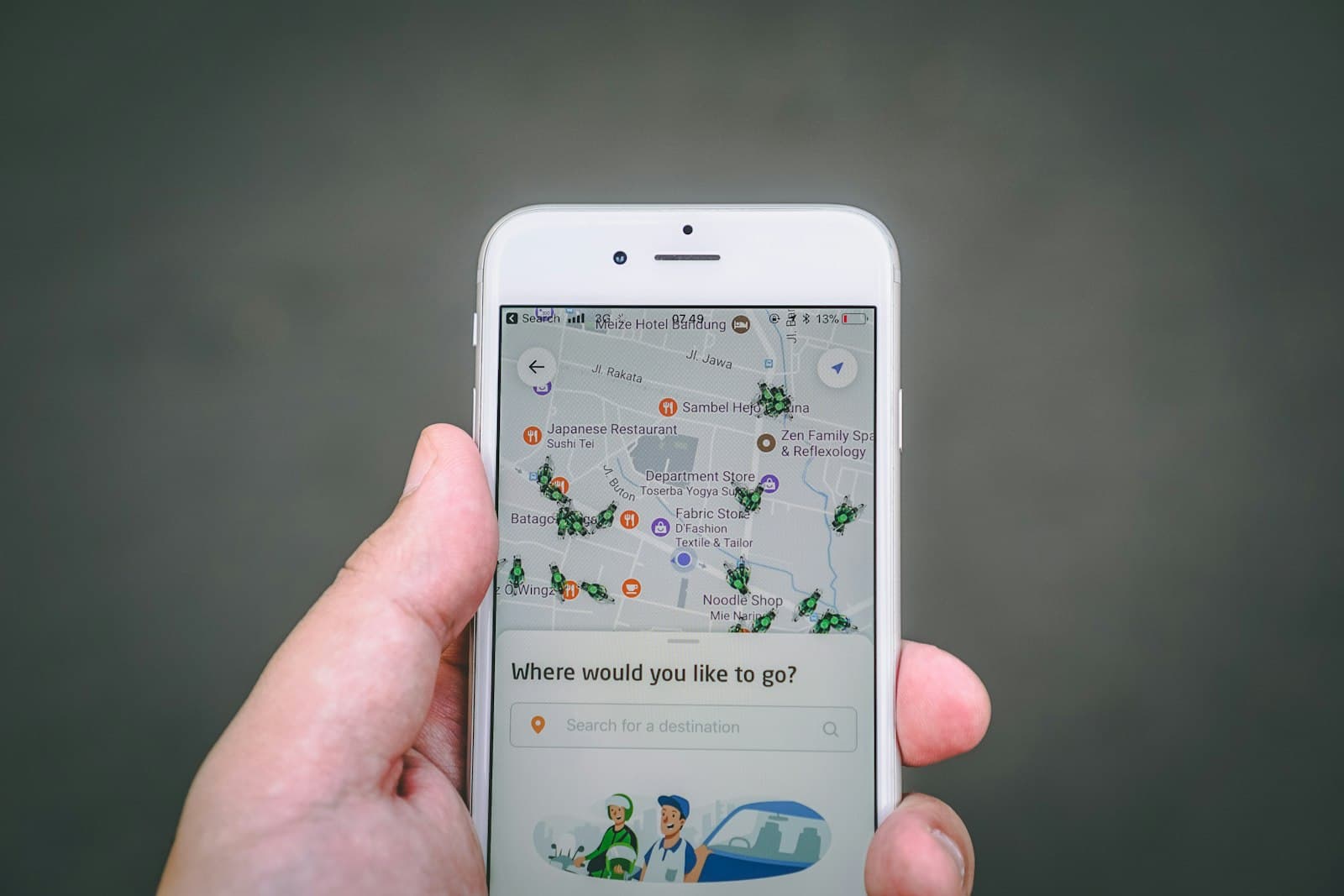
Photo: Isaac Mehegan on Unsplash (Unsplash)
What official Google pages say about Ask Maps itineraries
On November 16, 2026, Google announced new Ask Maps features for holiday travel, and The Verge, TechCrunch and 9to5Google reported the same launch. On those official and contemporaneous pages, rechecked on November 17, 2026, Google says you can use Ask Maps to:
- Plan a one-day outing or a trip spanning several days, including a day trip for holiday shopping or a three-day road trip
- Get a day-by-day schedule with insider tips and numbered map pins for each stop, plus the route on the map
- Share the itinerary with friends or family, and export it to Google Docs on desktop
- Reopen the plan before you leave, or find the “itinerary” badge in your chat history
- See real-time details such as live traffic, whether a place is open, and “what the vibe is” at the next stop
- Adjust the schedule on the fly — for example, add a viewpoint or a lunch stop — and tap to get directions to the next stop from the itinerary
- View “Know before you go” tips about the route, including parking, car charging, weather, potential delays and tolls
Google also announced list search inside Ask Maps, and the ability to find certain local appointments. Those extras are not the focus of this comparison.
The updates started rolling out on November 16, 2026, on Android and iOS. Google says travel itineraries and list search are available everywhere Ask Maps is offered, in more than 200 countries and territories. Ask Maps is also expanding to 30 countries across Europe, including Spain, Germany and the United Kingdom. “Know before you go” route tips and appointment finding are launching first in the United States, with more regions coming later.
This page does not list prices. It does not claim features that official Google pages did not describe on the dates above.
What the Google Maps trip planner does well
The official announcement puts the emphasis on a schedule you can see on the map and use while you travel. That is a real strength: Google Maps already has live traffic, opening hours, directions and a place graph that many travelers already use every day.
If you want a Google Maps itinerary planner for a day trip or a multi-day road trip, with pins, directions and the option to export the plan to Google Docs, official Google pages document that job. Bing and Google autocomplete also show that people look for a “Google Maps trip planner,” a “Google Maps itinerary planner,” and a “Google Maps AI itinerary.” Those queries now have a clear official answer: Ask Maps can build that itinerary inside the app.
Where Lets2Go differs
Lets2Go publishes a free AI trip planner that creates an editable day-by-day itinerary for any destination. You give it the destination, dates, an approximate budget, travel pace and interests; it returns a plan you can review, adjust, save and share with travel companions. The same planner is on the web and in the Lets2Go apps on the App Store and Google Play. The site also says your itinerary, favorites and assistant sync with the app, with offline maps and smart notifications while you travel.
On the Lets2Go homepage and in its destination guides, a Travel Movie shows a 3D preview of the route and stops before you go. The examples on the homepage are illustrative; confirm opening hours, access and transfers before you travel.
Lets2Go destination guides also publish a cost breakdown for lodging, food, transport and activities. In the planner itself, an approximate budget is one of the inputs that shape the itinerary. This page does not claim that Lets2Go is an expense tracker or a tool for splitting bills with a group.
You can attach bookable tours, activities and hotels from partners such as Viator and Agoda to the same trip; Lets2Go’s terms also mention Amadeus and Kayak. Partners set the final price, availability and cancellation terms, so read their checkout. The platform offers localized content in several languages, including Spanish. Coverage is worldwide.
This page does not claim that Lets2Go offers live traffic, turn-by-turn directions, “Know before you go” parking and toll tips, or an export to Google Docs: those tools are documented on official Google pages, and they have not been verified here for Lets2Go. If you want an AI-generated plan you can edit, budget for and book from, that is what Lets2Go presents on its planner. If you want a map-native itinerary with real-time traffic and directions, official Google pages document Ask Maps.
For a side-by-side of several AI trip planners, use the best AI trip planner comparison. For a comparison with a shared-map and group-budget planner, see Lets2Go vs Wanderlog.
Google Maps trip planner vs Lets2Go: a comparison table
Figures and features below follow official Google pages dated November 16, 2026, and Lets2Go pages rechecked on November 17, 2026. A blank “not described” cell means the official source we checked did not describe that feature; it is not a claim that the product cannot do it.
| Job | Google Maps (Ask Maps) | Lets2Go |
|---|---|---|
| Day-by-day itinerary | Yes. Official pages describe a day-by-day schedule for a one-day outing or a multi-day trip, with the examples of holiday shopping and a three-day road trip | Yes. A free AI itinerary organized by day, which you can edit, save and share |
| Map and directions | Numbered pins, the route on the map, and directions to the next stop from the itinerary | A 3D map; a Travel Movie preview of the route and stops on the homepage and in destination guides |
| Real-time conditions | Live traffic, whether a place is open, and “Know before you go” tips (parking, charging, weather, delays, tolls). The last group is launching first in the United States | Offline maps and smart notifications in the app. This page does not treat that as a live-traffic equivalent |
| Share or export | Share with friends or family; export to Google Docs on desktop | Save the trip and share it with travel companions |
| Budget and costs | Not described on the official Ask Maps itinerary pages checked on November 17, 2026 | An approximate budget shapes the plan; destination guides include a cost breakdown for lodging, food, transport and activities |
| Book tours and hotels | Not described in the November 16 itinerary announcement | Book tours and hotels through partners such as Viator and Agoda (terms also mention Amadeus and Kayak) |
| Languages | The November 16 announcement does not spell out languages; Ask Maps is expanding to 30 European countries, including Spain, Germany and the United Kingdom | Localized content in several languages, including Spanish |
| Where it works | Itineraries and list search wherever Ask Maps is offered (more than 200 countries and territories); rollout started November 16, 2026, on Android and iOS | Web plus iOS and Android apps; you can plan trips worldwide |
FAQ
Does Google Maps have a trip planner or itinerary planner now?
Yes, according to official Google pages dated November 16, 2026, and rechecked on November 17, 2026. Ask Maps, the assistant with artificial intelligence inside Google Maps, can build a day-by-day itinerary with numbered pins, tips and the route on the map. You can share the plan or export it to Google Docs on desktop, then reopen it for directions and real-time details. Google’s own examples are a day trip or a multi-day road trip.
What is Ask Maps in Google Maps?
Ask Maps is Google’s conversational assistant inside Google Maps, powered by Gemini models. The November 16, 2026 update lets it create trip itineraries, search saved lists, and — first in the United States — find certain local appointments and show “Know before you go” route tips. This page describes only what official Google pages and contemporaneous reports documented on that launch.
Is the Ask Maps itinerary available in the United Kingdom and Europe?
Google says travel itineraries and list search are available everywhere Ask Maps is offered, in more than 200 countries and territories. On November 16, 2026, Google also said Ask Maps was expanding to 30 countries across Europe, including Spain, Germany and the United Kingdom. “Know before you go” tips and appointment finding start in the United States. Check the live app in your country, because a rollout can take time.
What does Lets2Go add compared with the Google Maps trip planner?
Official Google pages do not describe a detailed cost breakdown, a Travel Movie preview, or booking tours and hotels from the same itinerary. Lets2Go presents those on its site: an approximate budget shapes an editable plan, destination guides include a cost breakdown, a Travel Movie shows a 3D preview of the route, content is localized in several languages including Spanish, and you can book experiences through partners. Lets2Go is not documented here as a live-traffic or turn-by-turn navigation app.
Is Lets2Go a good alternative to Google Maps for trip planning?
It depends on the gap you want to fill. If you want an AI-generated day-by-day itinerary you can edit, budget for and book from, Lets2Go is the alternative this page can stand behind, starting at the free AI trip planner. If you mainly need a map-native itinerary with live traffic and directions, official Google pages document Ask Maps. For a wider comparison of AI trip planners, see our best AI trip planner guide.
For a comparison with the travel booking chat Grok Bot announced in November 2026, see Lets2Go vs Grok for trip planning.
Related guides
- Lets2Go vs Wanderlog
- Best AI trip planners 2026
- How to plan a trip with AI in 2026
- What happened to Odessia? An honest alternative
Plan your trip with Lets2Go
Build an editable day-by-day itinerary with the free AI trip planner from Lets2Go: a plan shaped by your budget, bookable experiences and a 3D map, on the web or in the app. Take it with you, even offline, on the App Store or Google Play. Times and opening hours can change: confirm them on official sites before you go.
Sources
- Google, “New Ask Maps features to help with holiday travel and prep,” November 16, 2026: https://blog.google/products-and-platforms/products/maps/ask-maps-holiday-travel-features-2026/
- Google, “Ask Maps is coming to Europe,” November 16, 2026: https://blog.google/products-and-platforms/products/maps/ask-maps-is-coming-to-europe/
- The Verge, “Google Maps can now create trip itineraries for you,” November 16, 2026: https://www.theverge.com/tech/1034110/google-ask-maps-ai-trip-planning
- TechCrunch, “Google Maps can now build trip itineraries with real-time details about each stop,” November 16, 2026: https://techcrunch.com/2026/11/16/google-maps-can-now-build-trip-itineraries-with-real-time-details-about-each-stop/
- 9to5Google, “Google Maps rolling out travel itineraries & list search for Ask Maps,” November 16, 2026: https://9to5google.com/2026/11/16/google-ask-maps-itineraries/
- Lets2Go homepage, rechecked November 17, 2026: https://lets2go.com/en
- Lets2Go AI trip planner: https://lets2go.com/en/plan
- Lets2Go Terms and Conditions, rechecked November 17, 2026: https://lets2go.com/en/terms
- Lets2Go on the App Store: https://apps.apple.com/app/lets2go-ai-trip-planner/id6747308321
- Lets2Go on Google Play: https://play.google.com/store/apps/details?id=com.jmqtecnologia.lets2go&referrer=utm_source%3Dlets2go.com%26utm_medium%3Dblog%26utm_campaign%3Dblog-lets2go-vs-google-maps-en%26utm_content%3Dart